Create VPN User In Kerio Control
- Login firewall with Admin rights.
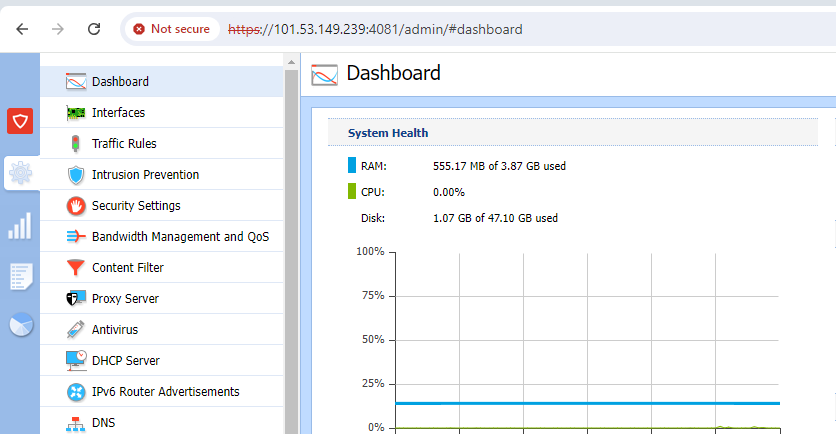
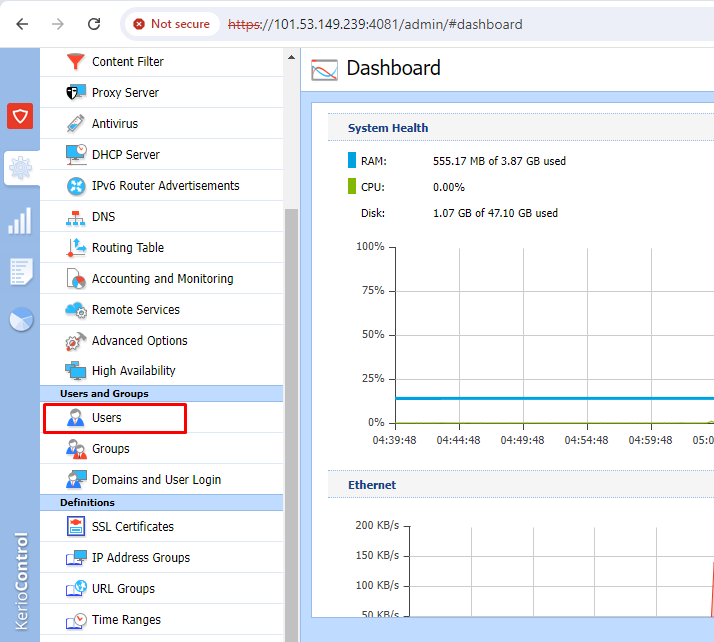
- Go to Users option.
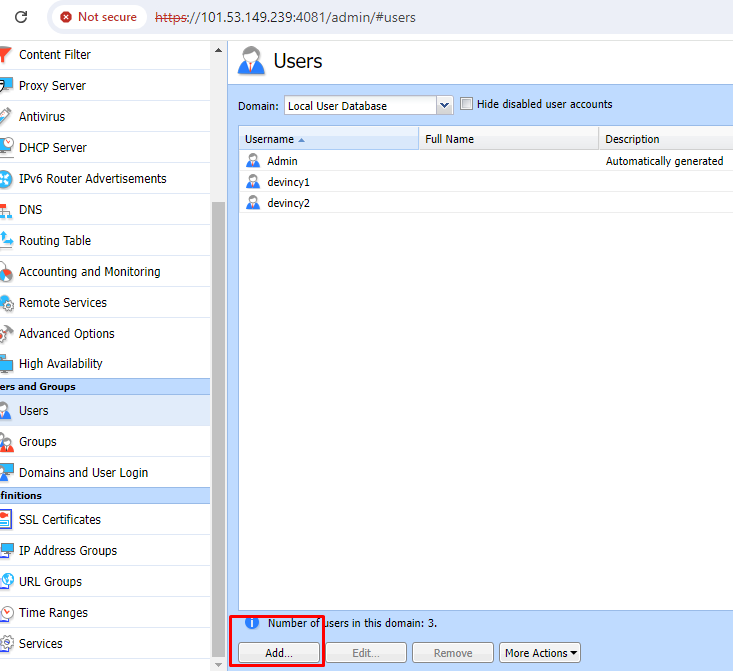
- Click on add.
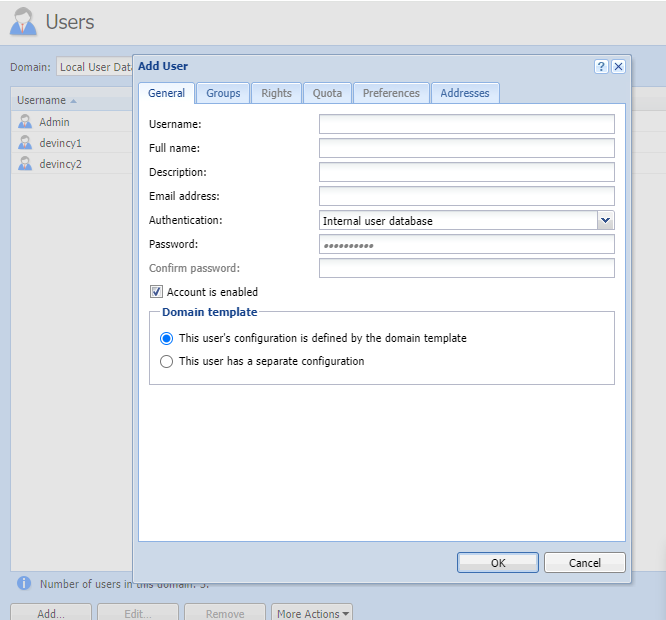
- Here you can fill the user information and set password and click on OK.
2. Now you can see user has been created.
Was this article helpful?
That’s Great!
Thank you for your feedback
Sorry! We couldn't be helpful
Thank you for your feedback
Feedback sent
We appreciate your effort and will try to fix the article